TL;DR: Use virtual hair color try on tools to preview shades before you dye—upload a clear, well-lit photo, try a range from natural to bold, and save side-by-side previews to compare. Pair basic color knowledge (skin undertone or seasonal analysis) with AI-driven previews—try advanced virtual hair color try on free tools like AI Color Analysis—to narrow choices and bring clear references to your stylist, avoiding costly regret.
You've seen the photos: someone walks out of the salon thrilled, then a week later posts a regret-filled selfie — the color washed them out, clashed with their wardrobe, or simply wasn't what they pictured. Dyeing your hair is a commitment: it can be expensive, time-consuming, and—if it goes wrong—emotionally deflating. That's why more people are turning to virtual hair color try on tools before they pick up a box or sit in a salon chair. These tools let you preview dozens of shades on your own face, under your lighting, without the expense or risk of a real dye job.
At their best, AI hair color try on systems do more than slap a filter over your photo. Modern solutions use AI and AR to detect your hairline, preserve texture and highlights, and simulate how different pigments interact with your skin tone and lighting — so a shade that looks great in a thumbnail won't surprise you in real life. Many of these services are even available as virtual hair color try on free tools, making it easy to experiment until you find a look that feels like "you."
In short, trying colors virtually helps you make smarter choices, avoid regret, and confidently choose a shade you can show your stylist before you dye.
What Are Virtual Hair Try-On Tools?
Before diving into how to use these tools effectively, it helps to understand what they actually are—and what makes them different from the old photo filters many people still confuse them with.
What Is a Virtual Hair Try-On Tool?
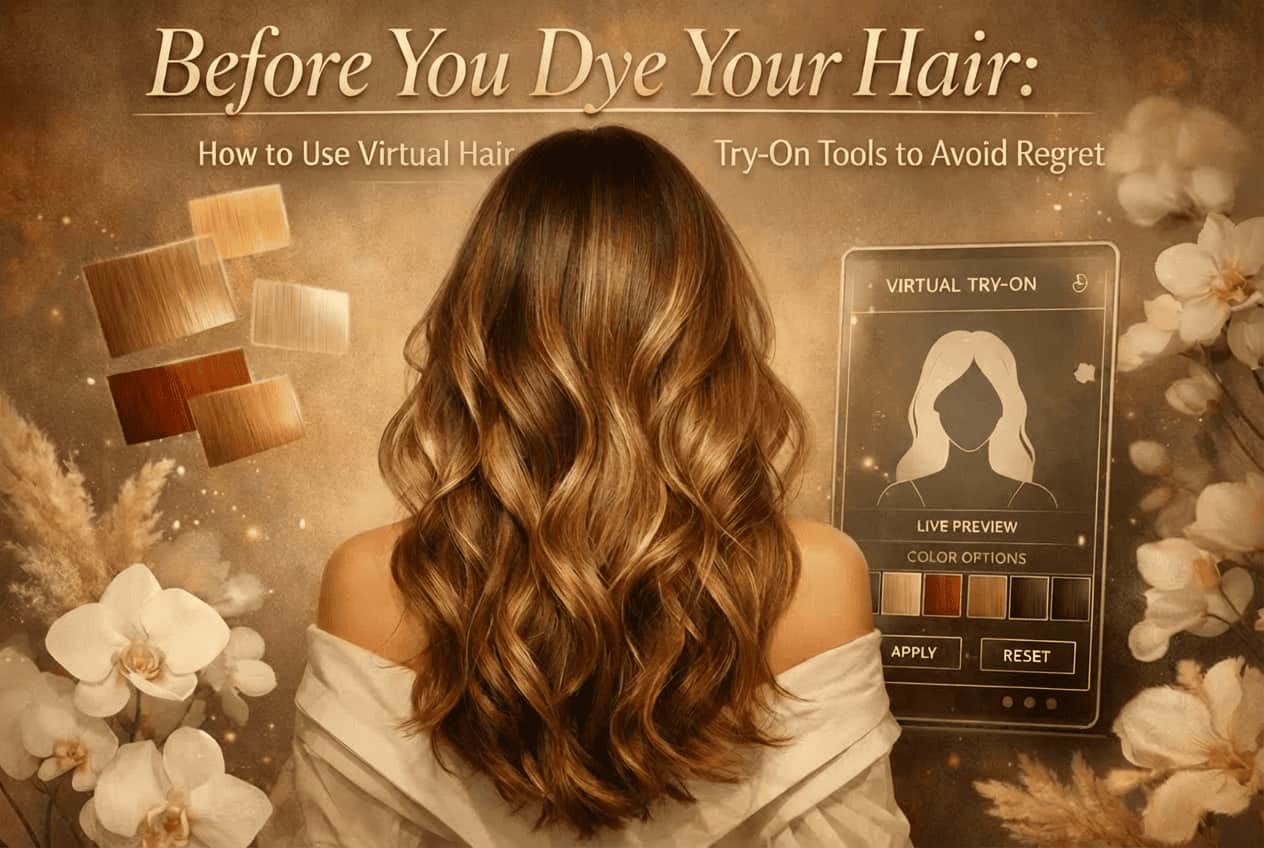
A virtual hair color try on tool is an AI-powered digital solution that lets you preview different hair colors on your own face before dyeing. You can usually upload a selfie or use your phone or laptop camera to see changes in real time. Instead of imagining how a shade might look, you get a visual simulation that reflects your unique features.
Today's hair color virtual try on experiences are available online, in mobile apps, and even embedded into beauty brand websites. Many users start with a virtual hair color try on free option to explore shades casually, then move on to more advanced tools once they want a realistic preview for a salon visit.
Virtual hair try-on tools give you a personal, low-risk way to see how different colors could look on you, not on a model or stock photo.
Behind the Scenes: How AI Makes It Happen
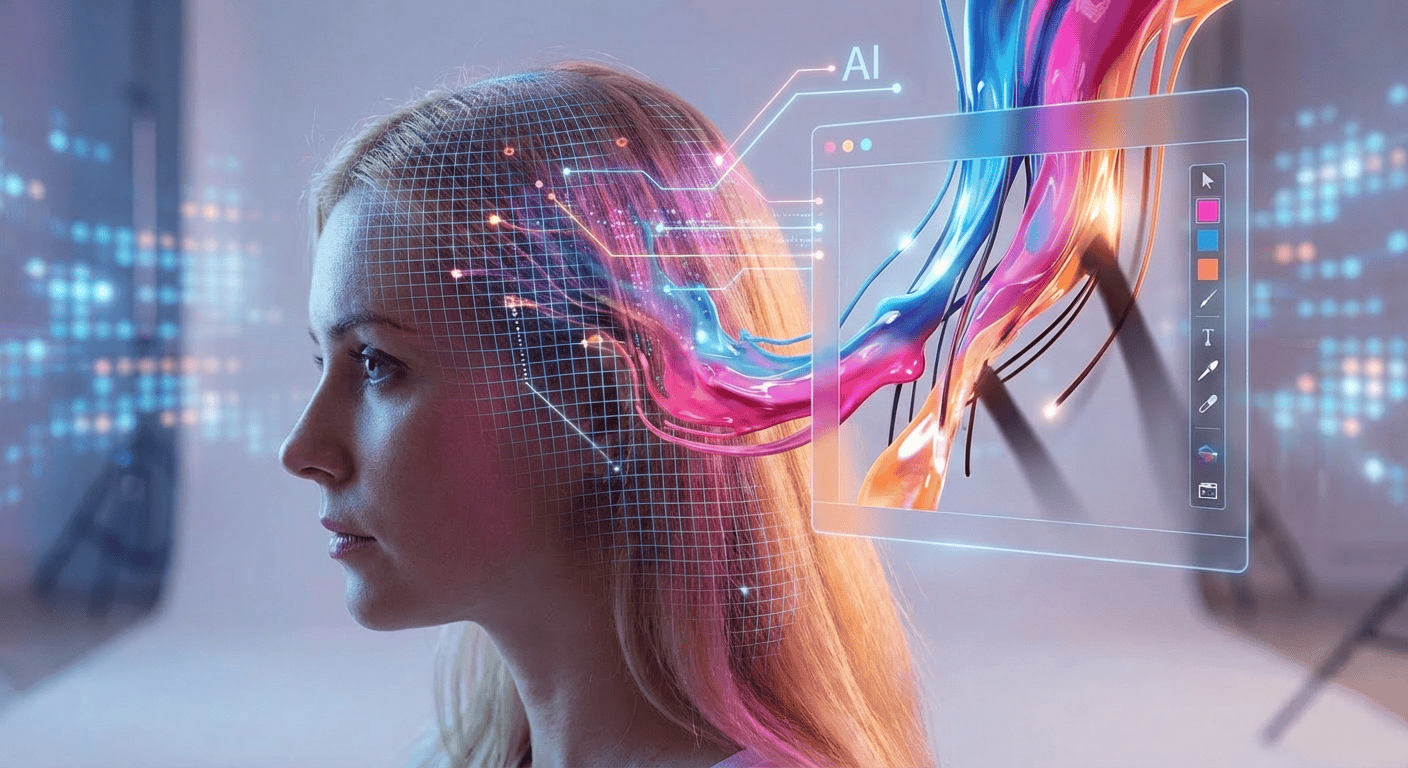
What makes an AI hair color try on tool convincing is what happens behind the screen. Instead of placing a flat color layer over your image, the system first detects and separates your hair from the background using machine-learning models trained on thousands of hair shapes, textures, and lighting conditions.
Once your hair area is mapped, the tool simulates how pigment would interact with strands, shadows, and highlights. This is why advanced tools can show depth, shine, and even subtle variations—especially important when previewing complex styles like virtual hair color try on balayage rather than a single flat shade.
This is also the key difference from traditional photo filters. Filters simply tint pixels; AI-driven virtual try-on tools preserve natural light reflection, hair texture, and facial balance. The result is a preview that feels closer to reality—and far more useful when making a real dye decision.
Unlike basic filters, AI-based virtual try-on tools analyze hair structure and lighting to create realistic, decision-ready color previews.
Step-by-Step Guide: How to Use Virtual Hair Try-On Tools
Once you understand what a virtual try-on tool does, the next question is practical: how do you actually use one to get results you can trust? The process is simple, but small choices—like lighting and photo quality—can make a big difference in how realistic the preview looks.
Uploading Your Photo
A clean, well-lit photo is the foundation of an accurate hair color virtual try on.
Most virtual hair color try on tools start with a single step: uploading a photo or turning on your camera. Choose an image where your hair is fully visible, not covered by hats, hands, or heavy shadows. Natural daylight works best, especially light coming from the front or side of your face.
A clear, well-lit image helps the AI hair color try on system accurately detect your hairline and texture. Blurry photos or dim lighting can confuse the model and lead to uneven color placement.
Choosing Colors to Try
Trying a range of shades—from subtle to bold—helps you narrow down what truly fits your face and style.
After uploading your image, you'll be able to experiment with different shades—this is where the fun begins. Start with natural tones close to your current color, then branch out into bolder options like platinum blonde, cherry red, or pastel blue. Many users are surprised by which shades work once they see them applied realistically.
Some platforms let you explore advanced looks, such as highlights or virtual hair color try on balayage, which helps you judge dimension rather than flat color. If you're unsure, testing multiple shades back-to-back gives you context that a single try never could.
Reviewing and Comparing Results
Saving and comparing previews turns guesswork into an informed decision.
Don't rush this step. Most hair color virtual try on platforms allow you to save or download your previews, making it easy to compare options side by side. Look closely at how each color affects your skin tone, eye color, and overall contrast.
Sharing your saved images with friends or family can also help. A second opinion often catches things you might miss, especially when deciding between similar tones.
Tips for Getting the Most Realistic Results
Even the best virtual hair color try on experience depends on good input. To improve accuracy:
- 💡 Lighting matters: bright, even lighting helps AI detect hair boundaries
- 😃 Face forward: a straight-on angle reduces distortion
- 📷 Use high-resolution photos whenever possible
- 💇Keep the background simple so the tool can isolate your hair more easily
Following these basics dramatically improves how natural the final preview looks—even when using a virtual hair color try on free tool.
Small setup choices can significantly improve the realism of your virtual hair color results.
Popular Virtual Hair Try-On Tools You Can Use Today
After understanding how to use virtual hair color try-on tools, the next step is knowing which platforms deliver the most reliable and realistic results. Not all tools are created equal: some focus on speed and simplicity, while others provide detailed AI-driven analysis to guide your hair color choices. Below, we'll explore a standout solution along with other popular options that are worth trying.
AI Color Analysis — Your AI-Powered Hair Color Prediction Tool
One of the most advanced platforms today is AI Color Analysis (aicoloranalysis.ai). Unlike basic virtual hair color try on tools, it doesn't just overlay color on your photo—it evaluates your skin tone, facial features. And it not only allows you to preview hair colors on your photo, but also lets you experiment with makeup virtual try on and outfit virtual try on, so you can see how a new hair color harmonizes with your usual makeup and wardrobe choices.
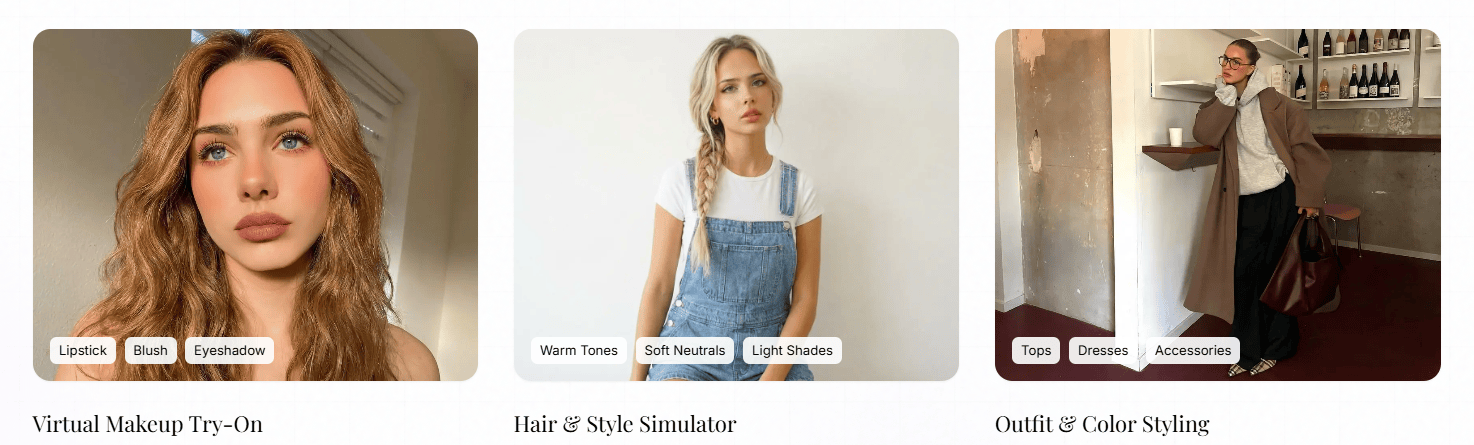
The AI-driven system provides personalized hair color virtual try on results with smart recommendations, helping users quickly identify shades that suit their complexion and lifestyle. It's particularly effective for those who want a comprehensive preview, combining hair, makeup, and outfit coordination in a single session. Users can experiment freely, gain insight into trending shades, and make confident choices before visiting a salon.
AI Color Analysis delivers a holistic, professional-grade virtual try-on experience, going beyond simple color overlays to offer tailored, expert suggestions.
Free & Easy Tools Worth Trying
For users who want quick, accessible options, several free or low-cost virtual hair color try on free tools are available online:
- Fotor Virtual Hair Color Try-On – Fully online and free, it uses AI to detect hair strands and simulate realistic color changes, making it easy for casual experimentation.
- iFoto.ai Virtual Hair Color Try-On – Supports a wide range of shades, allows AI hair color try on, and provides easy sharing for feedback from friends or social media.
- Garnier's Virtual Try-On Tool – Offers over 100 hair colors, with side-by-side comparison modes that help you judge subtle differences and make informed decisions.
While basic tools are great for experimentation, combining them with AI-powered platforms like AI Color Analysis ensures both fun and precision in choosing your next hair color.
How to Choose Your Best Hair Color With Confidence
Selecting a hair color is more than picking a shade that looks good on its own—it's about choosing one that complements your skin, lifestyle, and personal style. Virtual try-on tools make this process easier, but understanding the underlying principles helps you make choices you'll love long-term. Below, we'll break down three key factors to guide your decision.
Combine Virtual Try-On With Friends or Stylist Feedback
Even with realistic previews, another pair of eyes can provide valuable insight. Save your image and share them with friends, family, or your stylist. Their input can highlight nuances you might overlook and help refine your decision.
Feedback is especially useful when experimenting with daring shades or multi-tone styles like virtual hair color try on balayage, ensuring the final choice suits both your personality and practical needs.
Sharing virtual try-on results turns personal experimentation into informed decision-making, increasing confidence in your final hair color choice.
Consider Your Skin Tone
Your skin undertone—warm, cool, or neutral—plays a key role in which hair colors will enhance your features. Warm undertones usually pair well with golden, honey, and caramel shades, while cool undertones tend to look best with ash blondes, platinum, or cool reds.
To narrow this down further, many professionals use seasonal color analysis, such as the 16-season system, which groups people by undertone, contrast, and brightness. Each season comes with a range of hair colors that naturally balance the face. If you're unsure where you fall, Color Analysis tool, like AI Color Analysis, can help visualize different options and confirm which shades feel most natural on you.
Understanding your undertone—and using virtual try-on tools when needed—helps you choose hair colors that truly complement your complexion.
Think About Your Lifestyle & Wardrobe
Hair color influences more than just appearance—it interacts with your daily lifestyle and wardrobe. Bold reds or platinum blondes make strong statements and require frequent upkeep, while softer browns or subtle highlights can be easier to maintain and versatile for everyday outfits.
Using a virtual hair color try on tool, you can test how different shades appear with your typical clothing and style. Seeing a realistic preview helps you anticipate the confidence and effort each color will demand in real life.
Match your hair color not only to your skin but also to your personal style and lifestyle for a look that feels natural and sustainable.

Conclusion
Think of a virtual hair color try on as a rehearsal for your look — try bold and subtle shades, see how they interact with your skin and makeup, then pick the one that fits your life, not just your mood. It's the fastest way to skip costly surprises and leave doubt at the salon door. Save side-by-side previews, get a second opinion, or run a quick hair color virtual try on (many tools offer a free demo) — and walk into your next appointment ready, not guessing.
FAQ
1. Are virtual hair color try on tools accurate — can I trust AI hair color try on results?
They're useful guides, not guarantees. Accuracy depends on the tool's models, your photo lighting and resolution, and your hair's base color/texture. Use results to narrow choices, test several tools (including a virtual hair color try on free demo), and confirm with a stylist before any major chemical change.
2. Can free tools simulate complex looks like balayage or highlights ?
Some can, but with limits. Free platforms often simulate basic multi-tone or balayage effects reasonably well for preview purposes; for intricate placements and subtle blends, choose an advanced virtual hair color try on tool like AI Color Analysis or consult a pro for an in-salon mockup.
3. How do I get the most realistic preview from a virtual hair color try on tool?
Give AI good input. Use a high-resolution, well-lit photo (natural, even light), face forward, neutral background, and try multiple angles and shades. Save side-by-side images so you can compare how each color interacts with your skin and eyes.
4. What should I look for when choosing the best virtual hair color try on tool?
Focus on how closely the results match real-life outcomes. The best tools offer precise hair detection, natural light and shine rendering, support for multi-tone styles like highlights or balayage, and easy image export so you can share results with your stylist. Trying a virtual hair color try on free demo first is the quickest way to judge realism.
5. How do I use hair color virtual try on results with my stylist to avoid regret?
Use your previews as a starting point, not a guarantee. Bring saved before-and-after images, point out the exact shades you like, and be clear about how much upkeep you're willing to handle. Ask your stylist whether the look is realistic for your hair's current color and condition. Virtual try-on results work best as a shared reference to align expectations before dyeing.